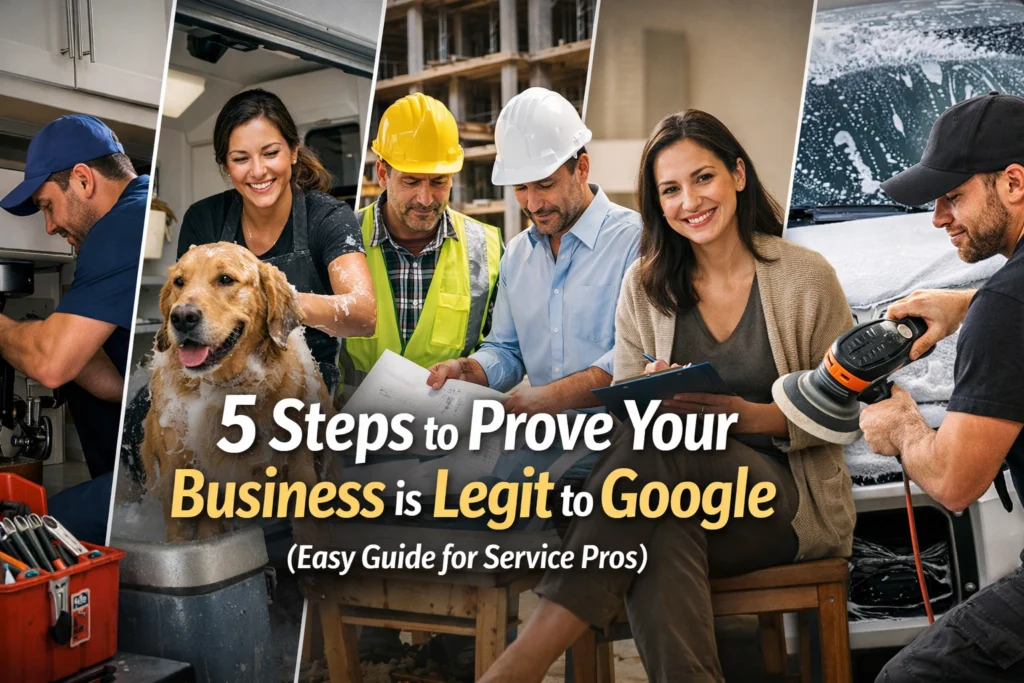
Let’s be real for a second: running a service-based business is tough. You’re out there in the heat, under sinks, or climbing roofs. You’ve got the grit, the tools, and the happy customers to prove you’re the real deal. But for some reason, when you try to get your business listed on Google, the world’s biggest search engine treats you like a ghost.
It’s frustrating, right? You build a beautiful website, you set up your Google Business Profile, and then… nothing. Or worse, the dreaded "Verification Required" or "Suspended" notice pops up. Google is like that skeptical father-in-law who won't believe you’re a good provider until he sees the tax returns, a signed deed, and your birth certificate.
The truth is, Google has a major trust issue. Because there are so many "lead gen" scammers out there pretending to be local locksmiths or plumbers, Google has cranked their security up to eleven. To get found by local customers, you have to prove, beyond a shadow of a doubt, that you are a breathing, working human with a real business.
Here are the five practical steps to prove your legitimacy and finally get Google on your side.
1. Get a Real Physical Location (No, a P.O. Box Doesn’t Count)
Google wants to know where you live: or at least where your business lives. For service pros, this is often the biggest hurdle. Maybe you work out of your house, or maybe you have a small shop in an industrial park.
The rule is simple: you must have a verifiable physical location. Google is smart enough to spot a P.O. Box or a UPS Store address from a mile away. If you try to use one of those as your primary business address, your profile will be flagged faster than a leaky pipe.
If you’re a service-area business (meaning you go to your customers), you can still use your home address to verify the account, but you can choose to hide the exact street address from the public. However, Google still needs to see that you are operating from a real place of business. This means no "virtual offices" in a skyscraper you’ve never visited.
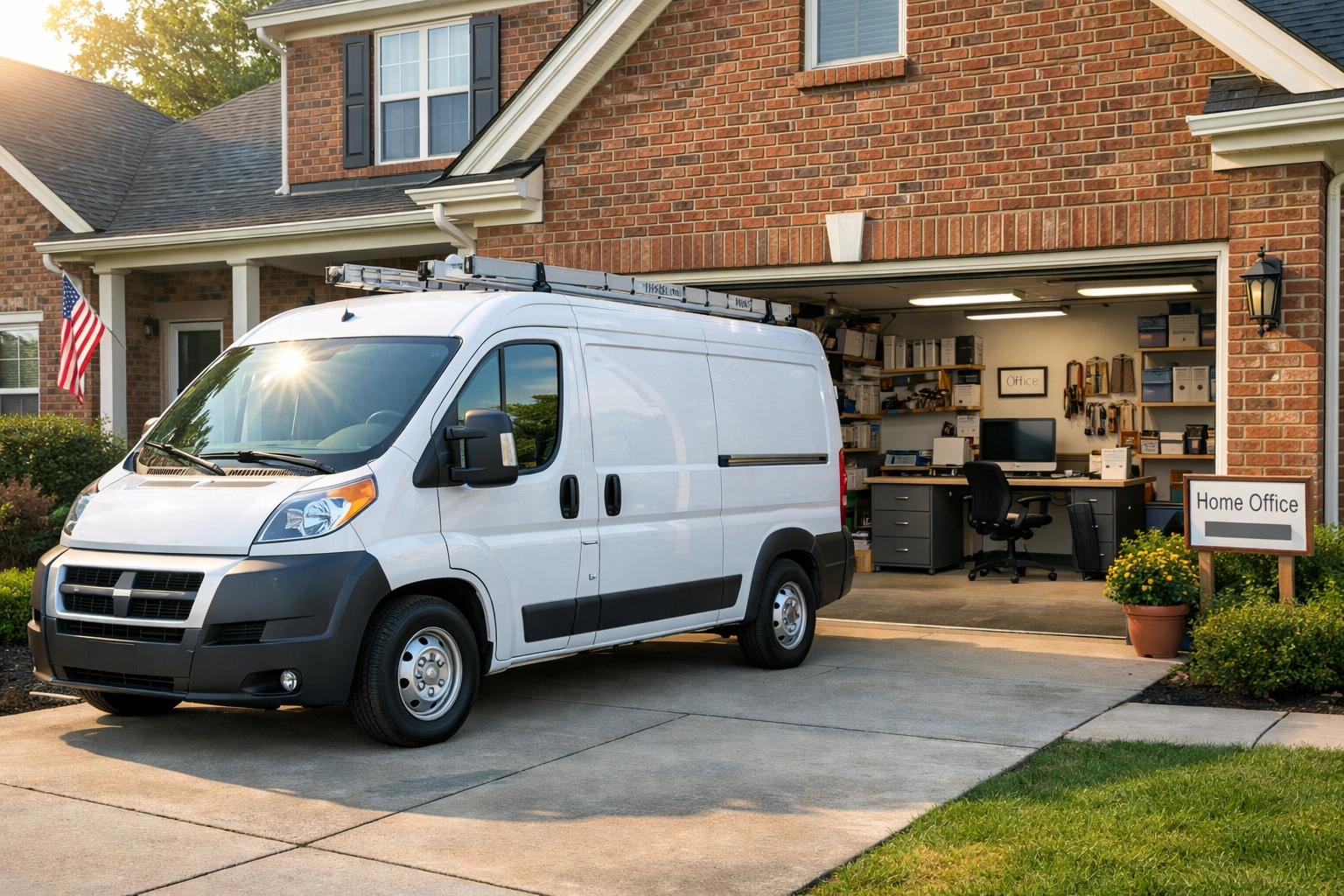
A photo of a local service office with a branded truck parked in the driveway, showing a clear connection between the physical building and the business identity.
2. Claim Your Territory on Google Maps
Once you have your address sorted, you need to make sure you exist in the "real world" digitally. This means checking Google Maps and Street View.
Sometimes, Google’s cameras haven't been down your street in a while, or the building looks different now. You need to ensure your address is publicly listed and matches exactly across the web. If your website says "Suite 101" but Google Maps says "Unit A," that’s a red flag for the algorithm.
Consistency is the secret sauce here. Your Name, Address, and Phone Number (often called NAP) need to be identical everywhere: from your CFGROOVE results page to your Facebook profile. If Google sees discrepancies, it starts to doubt your legitimacy. If you're wondering why your site isn't pulling its weight despite having an address, check out our guide on why your website isn't getting leads.
3. Flash the Signage (Let ‘Em See the Name)
This is where the "grit" comes in. Google wants visual proof that your business isn't just a digital hallucination. One of the best ways to do this is through clear business signage.
If you have a physical office or shop, you need a permanent sign. If you work from home or out of a truck, your branding needs to be visible on your vehicle. We’re talking about high-quality vinyl wraps or even high-quality magnets.
During the verification process, Google often asks for photos or video. Showing a branded truck parked at your registered address is like holding up a "Get Out of Jail Free" card. It proves that you have invested in your business identity. It shows you’re not a "fly-by-night" operation but a staple of the community.
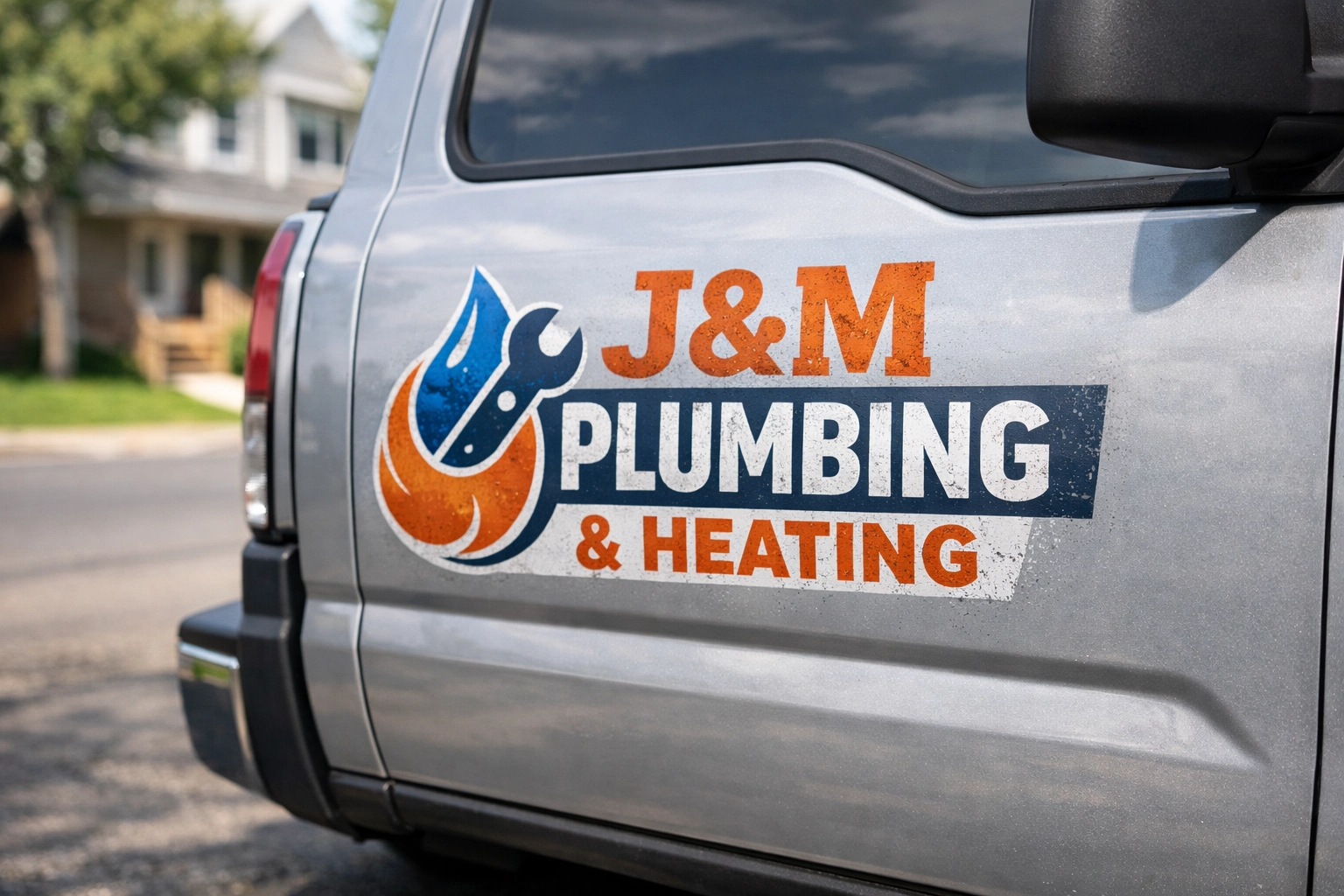
A close-up of a professional, weathered logo on the side of a work van, showing the grit and reality of a service-based business in action.
4. Be There When They Call
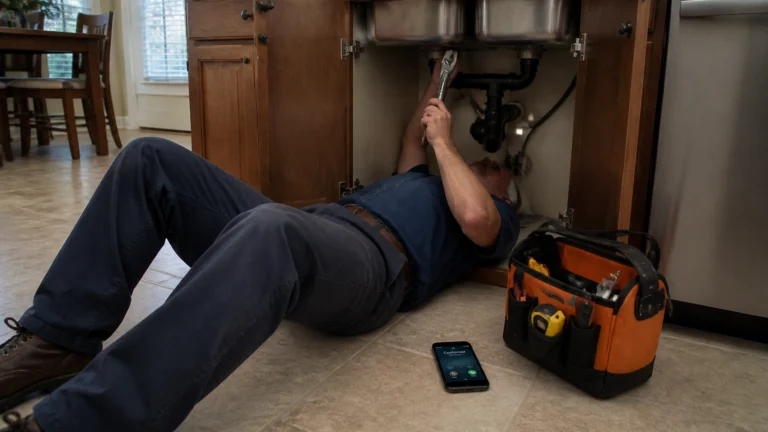
Google isn't just looking at your photos; they’re looking at your behavior. If you claim to be open from 8:00 AM to 5:00 PM, someone better be able to answer the phone or the door during those hours.
Even if you list your business as "by appointment only," Google may attempt to verify your operations. This might mean a random phone call or checking to see if your "hours" match when people are actually interacting with your profile.
Staying available shows Google that you are an active participant in the local economy. If you’re constantly "closed" when your profile says you’re "open," Google thinks you’re unreliable. And if Google thinks you’re unreliable, they won’t recommend you to their users. It’s a tough love kind of relationship.
5. Master the "Hollywood" Video Verification
This is the big one. Lately, Google has been moving away from postcards (which people used to lose or fake) and moving toward video verification. This is your chance to shine, but it’s also where most people mess up.
To do this right, you need to record a continuous, unedited video. You’ll need to show three specific things:
- Your Location: Film the street sign, the building exterior, and your house or unit number.
- Your Business Tools: Show your branded truck, your tools, your equipment, or your inventory. If you’re a landscaper, show the mowers. If you’re a painter, show the sprayers.
- Proof of Management: This is the part people forget. Show yourself unlocking the door with a key, opening the business software on your laptop, or showing a physical business license with your name on it.
Think of it like a mini-documentary of your workday. It doesn't need to be fancy: it just needs to be real. No AI filters, no stock footage, just you and your business. For more on how we help businesses navigate this kind of technical setup, you can read about our web design process.

A business owner holding a smartphone, capturing a video of their specialized tools and a stack of invoices on a real wooden workbench.
Why Does This Matter?
You might be thinking, "Chase, I just want to fix HVAC units, why do I have to jump through all these hoops?"
The answer is simple: Trust equals Leads.
When Google trusts you, you show up in the "Local Three-Pack": those top three map results that get nearly all the clicks. When you’re verified, you get to respond to reviews, post updates, and see data on how many people are calling you directly from the search page.
It’s the difference between your phone being silent and your phone ringing off the hook while you’re trying to finish a job. Proving you’re legit isn't just about satisfying a computer program; it's about claiming your spot in the local market.
Get Your Business in the Groove
Proving your legitimacy to Google can feel like a full-time job on top of the one you already have. If you’re tired of fighting with Google and want a website and digital presence that actually works as hard as you do, we should talk.
At CFGROOVE, we specialize in helping service-based pros in the USA build a digital footprint that Google can't ignore. We don't do "abstract" or "fluffy." We do real-world results for real-world businesses.
Ready to stop being a ghost and start being the go-to pro in your town?
Let’s get to work.
- Book a 30-minute chat: https://calendly.com/cfgroove-0u3b/30min
- Shoot me an email: chase@cfgroove.com
- Check out our work: https://cfgroove.com/portfolio
Don't let a "Verification Required" screen stand between you and your next big contract. Let's get you verified, get you noticed, and get you growing.