
If you want more local customers knocking on your digital door, you need to show search engines exactly where you are and what you do. You can boost your local leads right now by optimizing your title tags with city names, making sure your site doesn't act like a dinosaur on mobile phones, and adding "Schema" markup so Google knows your address. These small tweaks tell both neighbors and robots that you’re the go-to expert in your zip code.
Let’s be real for a second: running a small business is like trying to juggle chainsaws while riding a unicycle. You’ve got payroll, grumpy customers, and that one lightbulb in the back that always flickers. The last thing you want to do is spend your weekend staring at a computer screen trying to figure out why your website is on page ten of Google.
At CFGROOVE, we specialize in web design for small business, and we know that SEO (Search Engine Optimization) usually sounds like a fancy word for "magic that costs too much money." But here’s the secret: on-page SEO doesn’t have to be a headache. It’s actually just about being a good communicator.
Here are five stress-free tips to turn your website into a local lead-generating machine.
1. Stop Being Shy: Put Your Location in Your Titles
Imagine walking into a grocery store where none of the aisles have signs. You’re looking for milk, but you end up in the automotive section staring at fan belts. That’s what it feels like for Google when your website doesn't have clear "Title Tags."
Your Title Tag is that blue link people click on in search results. If you’re a plumber in Chicago, your title shouldn't just say "Home Page" or "Joe’s Plumbing." It should say "Emergency Plumber in Chicago | Joe’s Plumbing."
When you use SEO optimization for small business, this is the first thing we look at. You also want to fix your Meta Descriptions, that little paragraph of text below the title. Keep it under 105 characters and add a Call to Action (CTA). Instead of saying "We fix pipes," try "Need a plumber in Chicago? Get a free quote and 24/7 service today!"
It’s about telling the customer exactly what they get before they even click. If you’re curious about how we’ve helped others do this, check out our results page.

2. Don't Let Your Website Be a "Mobile Grinch"
We’ve all been there. You’re trying to find a local bakery on your phone, you click a link, and the text is so small you need a magnifying glass. Then you try to click a button, and your thumb accidentally hits three other things.
Most local searches, like "coffee near me" or "landscaper in Miami", happen on mobile devices while people are on the move. If your site isn't mobile-friendly, Google will basically hide you from those people. It’s like having a store but keeping the front door locked.
A mobile-friendly site needs to load fast. If it takes more than three seconds to load, people are going to bounce faster than a rubber ball. To keep things speedy, compress your images (don't upload 10MB photos straight from your iPhone!) and get rid of those annoying pop-ups that cover the whole screen. Our website maintenance service handles all the technical heavy lifting so you don't have to worry about your site breaking every time Google releases an update.
3. Write Like a Local, Not a Robot
Google is getting really smart. It can tell the difference between a generic article written by a robot and a helpful guide written by a human who actually lives in the community. This is where creativity expressed through web design really shines.
Instead of writing a boring post about "The Benefits of Clean Windows," write about "How the Dusty Winds in West Texas Affect Your Home’s Windows." Mention local landmarks, neighborhood names, or even the local high school football team if it makes sense.
When you create locally-focused content, you’re not just chasing keywords; you’re building trust. People want to buy from people they know. If you show that you understand the specific problems people face in your town, they’ll be much more likely to call you. If you’re struggling with ideas, our blog has tons of inspiration on how to blend AI tools with human touch to make content creation easier.
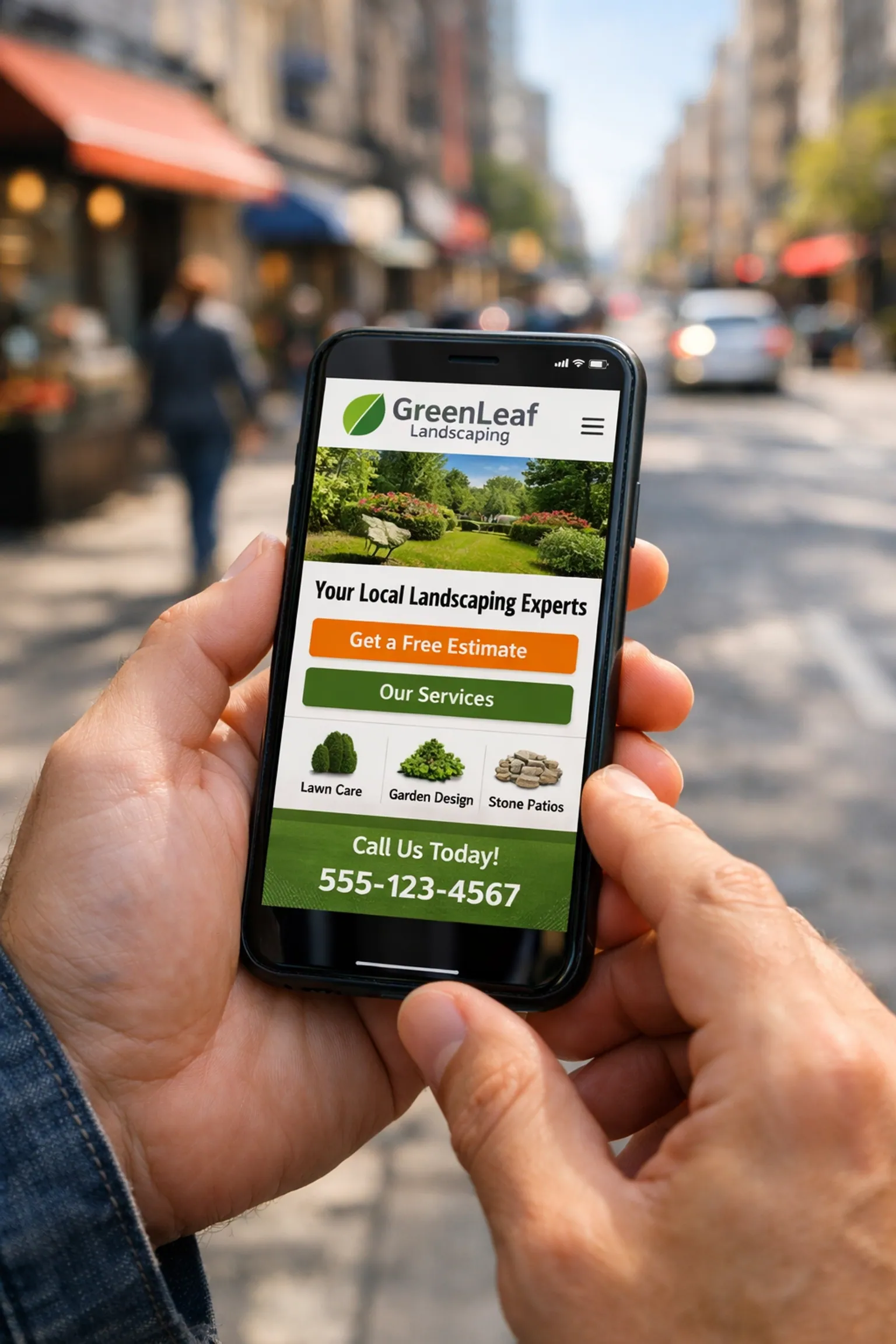
4. Give the Robots a Map (Local Business Schema)
Okay, this part sounds a bit techy, but I promise it's painless. "Schema Markup" is basically a secret language you can add to your website’s code. It doesn't change how the site looks to humans, but it gives search engines a clear "cheat sheet" about your business.
It tells Google:
- Name: CFGROOVE
- Address: 123 Main St, Your Town
- Phone: 555-0123
- Hours: Mon-Fri, 9am-5pm
Without Schema, Google has to guess where your info is. With it, you might end up in the "Map Pack", that coveted box at the top of search results that shows a map and three local businesses. Being in that box is like having a billboard in Times Square, but for free.
If the thought of touching code makes you want to hide under your desk, don't worry. We talk about how to handle these technical bits in our about section. Or, if you’re thinking "I wish" someone would just do it for me, that’s exactly what we’re here for.
5. The "NAP" Rule: Name, Address, and Phone Number
No, this doesn't mean you get to go sleep under your desk (though you probably deserve one). In the SEO world, NAP stands for Name, Address, and Phone number.
The biggest mistake small businesses make is having different info in different places. Maybe your website says "Suite 100," but your Facebook page says "Ste 100," and your Google Business Profile just says "Unit 1." To a computer, these might look like three different businesses.
You need to be 100% consistent. Every single time your business info appears online, it should be identical. This builds "authority." It tells Google, "Yes, this business is real, they are where they say they are, and you can trust them."
While you're at it, throw some reviews and testimonials on your homepage. There’s nothing more powerful than a neighbor saying, "These guys are great!" We’ve seen the evolution of UI design move toward "social proof" because, at the end of the day, we all just want to know we aren't going to get ripped off.

Putting It All Together
SEO doesn't have to be a full-time job. By spending just a little time on these five areas, you're setting yourself up for way more leads without spending a fortune on ads. It's about being clear, being local, and being helpful.
If all of this still feels like you’re trying to read a menu in a language you don’t speak, we’d love to help. Whether you need a brand-new site or just someone to handle your web design for small business, CFGROOVE has your back. We’re all about making the web a friendlier, more beautiful place: one small business at a time.
Want to stop stressing and start growing?
Let’s chat! You can grab a spot on my calendar for a 30-minute brainstorm here: Book a call.
Or, if you prefer the old-fashioned way, shoot me an email at chase@cfgroove.com. I promise I’m more fun to talk to than a Google algorithm!