
![[HERO] The](/images/blog/hkxcasjgvck.webp)
The reason your website project is dragging is because your inbox is where clarity goes to die. To fix the "email thread from hell," you have to stop describing visual problems with written sentences and start pointing at them directly. Moving your feedback out of a 57-reply chain and into a visual feedback tool is the only way to launch your site on time and keep your sanity intact.
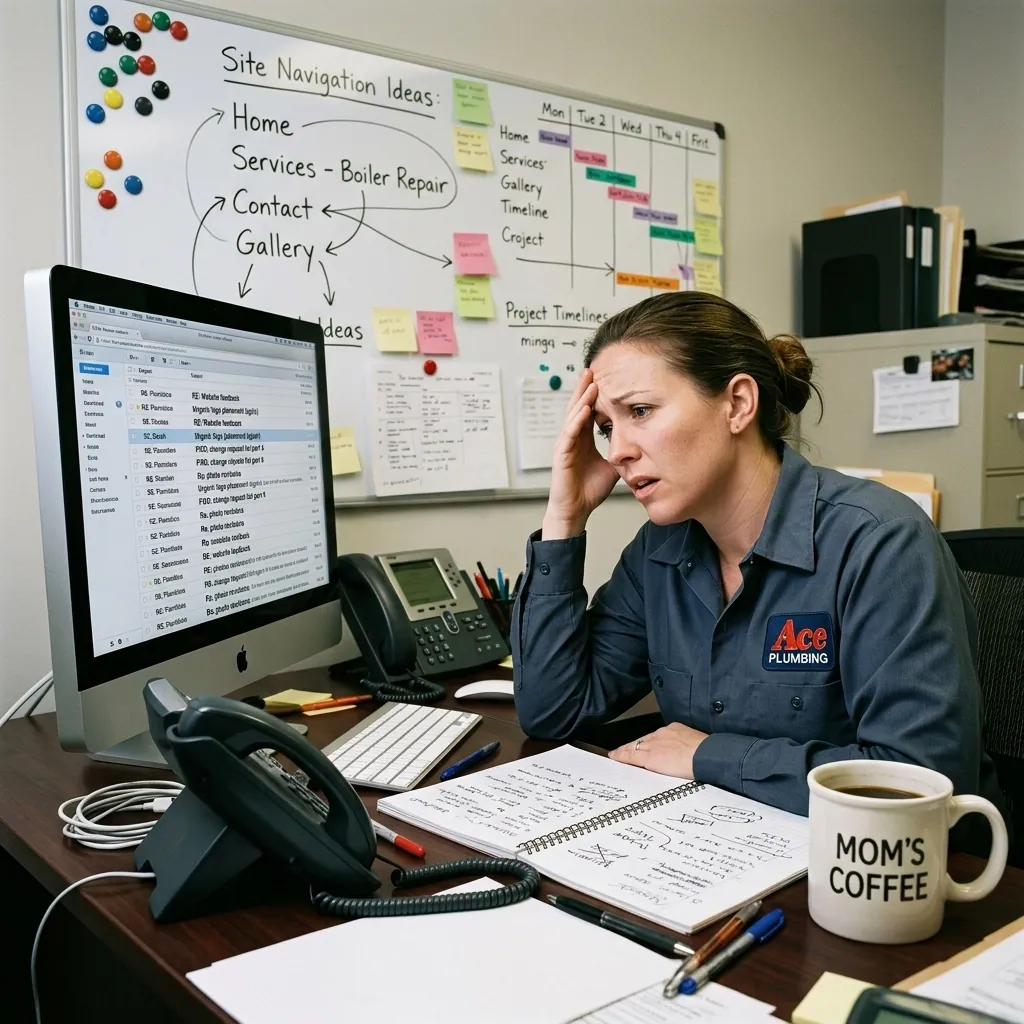
We’ve all been there. You hire a talented designer to refresh your small business website. The first draft looks great, but it needs a few tweaks. You send an email. The designer replies. You realize you forgot something, so you send another email. Then your business partner chimes in on the thread. Suddenly, you’re looking at a mountain of text, three different versions of a PDF, and a designer who looks like they’ve aged a decade in a week.
This is the "Email Thread From Hell." It’s where web design projects go to stall, budgets go to blow up, and good ideas go to be forgotten.
The anatomy of revision chaos
When you try to handle website design mistakes via email, you’re essentially playing a game of Telephone with high stakes. You say, "Can we make the header more 'poppy'?" Your designer hears, "Please change the font to Comic Sans and make it neon green."
The problem isn't that you’re bad at communicating or that your designer is bad at listening. The problem is the medium. Email was built for letters, not for building complex visual layouts.
Here is why the inbox fails you:
- Lost Context: When you write "Change the button color," and there are five buttons on the page, the designer has to guess which one you mean. If they guess wrong, that’s another round of revisions wasted.
- The "Reply All" Spiral: If you have a team, everyone starts hitting "Reply All" with different opinions. The designer is left trying to play referee between three different stakeholders.
- Version Confusion: Was the final version attached to the email sent Tuesday at 2 PM or the one from Wednesday at 4 AM? Nobody knows.
- Mobile vs. Desktop: You might be looking at the site on your phone while your designer is looking at a 27-inch monitor. Without a way to sync those views, you’re looking at two different projects.

Why revisions take so long (and cost so much)
Most web design contracts include a set number of revision rounds: usually two or three. In the industry, we know that after three rounds of revisions, the project quality actually starts to drop. You start overthinking, the designer starts getting frustrated, and the original vision gets watered down until it’s a beige mess.
Every time a designer has to open an email, figure out what you’re talking about, find the right file, make the change, and send it back, that’s billable time. If the communication is messy, those hours add up. Before you know it, you’re facing "scope creep," and your "affordable" website is suddenly costing you an extra grand in "adjustment fees."
To avoid this, you need to change how you talk to your creative team.
The tools that make this easy
There's a whole category of tools built for exactly this : visual feedback platforms that let you click directly on a screenshot of your website and leave a pinned comment. No more "the thing at the top of the about page."
A few worth knowing about:
- PROOF (proofapp.io) : Built for freelance designers and small agencies. Your designer sends you a link, and you click anywhere on the website screenshot to leave a comment. No login required, captures desktop and mobile automatically.
- Markup.io : Similar concept, more established, geared toward bigger teams.
- BugHerd : Originally built for QA, also used for design feedback.
If your designer doesn't already use one of these, ask them to. Most will be relieved you suggested it. Using a tool like PROOF means you can just click on the logo and write "Make this 20% larger," and the designer knows exactly what you mean, what browser you were using, and what device you were on. It turns a 20-minute email into a 5-second click.

How to give feedback like a pro
Even with the right tools, you can still fall into the revision trap if your feedback is vague. As a service-based small business owner, your time is your most valuable asset. You don't want to spend it playing "find the pixel."
Here are three rules for better feedback:
1. Be specific, not suggestive
Instead of saying "I don't like this section," say "This section feels too crowded; can we add more white space between the images?" Instead of "Make it look more professional," say "Can we use a darker blue to match our brand guidelines?"
2. Consolidate your thoughts
Don't send an email every time a thought pops into your head. Sit down, look at the whole page, and gather all your notes at once. Using a visual feedback tool makes this easy because you can leave all your "pins" in one session, and the designer gets a single notification.
3. Focus on the "Why," not just the "What"
If you want to change a website layout, tell the designer why. "I want to move the contact form higher because I’m worried customers won't see it" is much more helpful than "Move the form up." A good designer might have a better way to solve the visibility problem than just moving the form.

The 3-Round Rule
In our experience at CFGroove, the best projects follow a strict "3-Round" structure.
- Round 1: Big picture stuff. Layout, main colors, and overall feel.
- Round 2: The details. Tweaking text, swapping images, and fixing alignment.
- Round 3: The polish. Final typos and "last look" approvals.
If you’re on Round 7, something has gone wrong. Usually, it’s a sign that the goals of the project weren't clear from the start. If you find yourself in this position, stop the emails. Get on a quick 10-minute Zoom call, look at the site together using a tool like PROOF, and get back on the same page.
Getting to the finish line
The goal of any web design project is to get the site live so it can start doing its job: lead generation. Every day spent arguing over the exact shade of "eggshell" in an email thread is a day your site isn't out there making you money.
By moving your feedback out of the inbox and into a visual environment, you cut the noise, reduce the stress, and actually enjoy the process of building something for your business. You’re the expert in your business; let the tools be the expert in the communication.
Your designer will thank you, your project will finish faster, and you’ll never have to look at a "Re: Re: Re: Re: Question about the footer" email ever again.

Need a web designer who uses tools like PROOF to keep your project on track? Get in touch with CFGroove.