
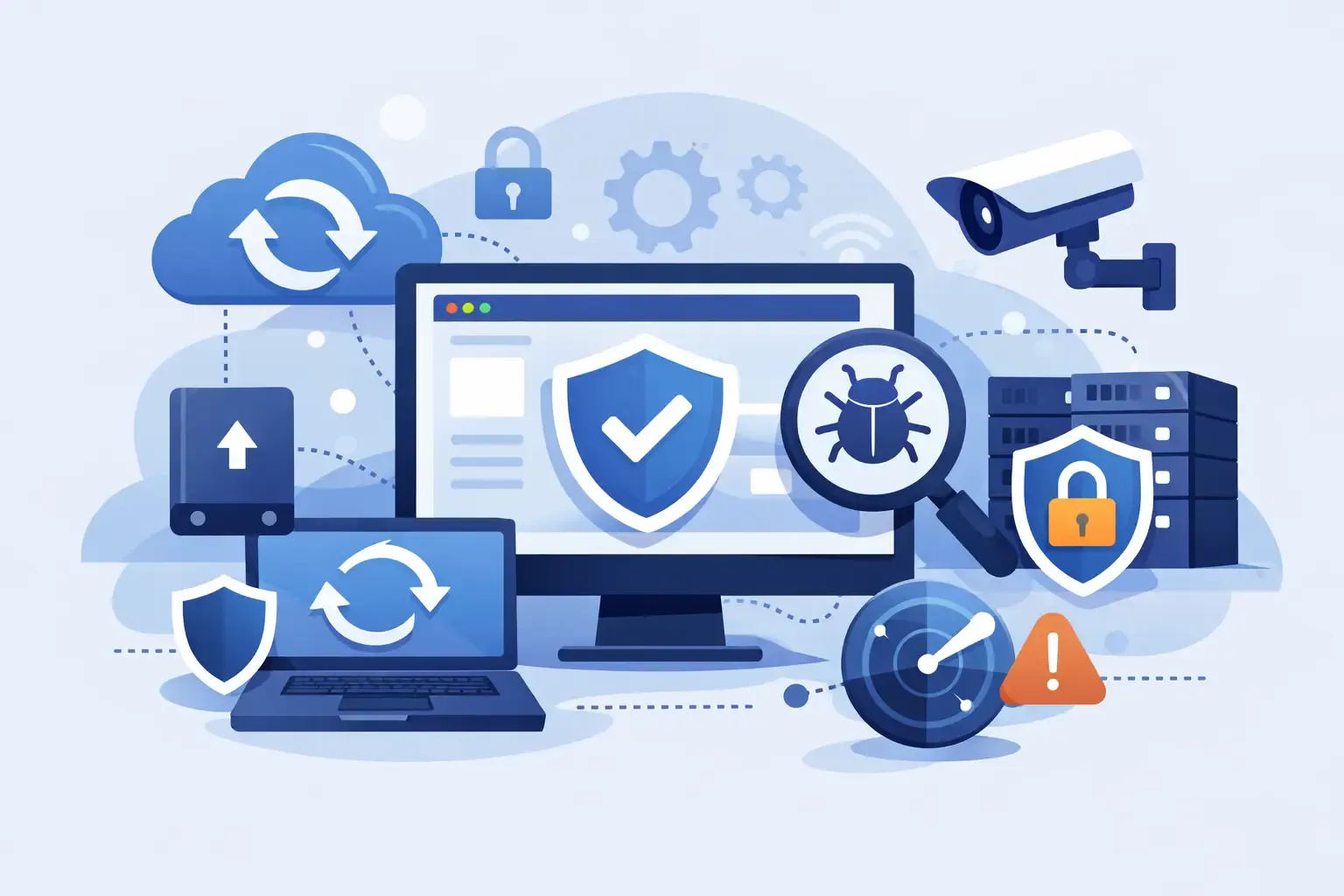
A website usually works great right up until the day it doesn’t. A plugin update breaks the layout, a form stops sending leads, malware gets injected into a page, or the hosting account has an issue and your site vanishes for hours. For a small business owner, website backup and security monitoring is not a nice extra. It is basic protection for your revenue, your reputation, and your sanity.
If your website helps people call, book, buy, or request a quote, then every minute of downtime matters. The same goes for silent problems that are harder to catch. A hacked site may still load, but it can start sending spam, redirect visitors, damage your search visibility, or expose customer data. Most business owners do not have time to check logs, scan files, and test restores. They just want the site to stay up and keep doing its job.
Why website backup and security monitoring matter
Think about your website like a storefront with a cash register, phone line, and front door all in one. If something breaks, customers do not wait around to see if you fix it. They leave and call someone else.
Backups are your recovery plan. If a file gets corrupted, a bad update rolls out, or your site is compromised, a clean backup gives you a path back to normal. Security monitoring is your early warning system. It helps catch suspicious activity, malware, file changes, failed login attempts, and uptime issues before they become bigger and more expensive.
One without the other leaves gaps. A backup is helpful, but not if it is outdated, incomplete, or impossible to restore quickly. Monitoring is useful, but if the site gets hit and there is no clean restore point, you are still in a bad spot. The best setup treats both as part of the same process.
What good backups actually look like
A lot of business owners assume their host handles this. Sometimes they do, but the details matter. Hosting backups may be infrequent, stored on the same server, or limited in how far back you can go. Some hosts also charge extra for restores. That is fine for basic coverage, but it may not be enough if your site is actively generating leads.
A solid backup system should cover your website files and database. It should run on a schedule that matches how often your site changes. If you update content weekly, daily backups may be plenty. If you run e-commerce, collect form submissions constantly, or make frequent edits, you may need more frequent snapshots.
Storage matters too. Backups should live off-server, not only inside the same hosting environment. If the server fails or the account is compromised, you do not want your backups disappearing with it.
Just as important, the backup has to be restorable. This is the part people skip. A backup file sitting in storage is not proof that recovery will be smooth. Periodic restore testing is what separates real protection from false confidence.
What security monitoring should include
Security monitoring is not one single tool. It is a mix of checks that help spot trouble early.
At a practical level, that usually means uptime monitoring, malware scanning, suspicious login tracking, and alerts for unusual file changes. Some setups also monitor blacklist status, SSL problems, and performance drops that can signal server trouble or code conflicts.
For small business websites, the goal is not military-grade complexity. The goal is simple visibility. You want to know quickly if the site goes down, if someone is trying to force logins, if malicious code appears, or if core files change unexpectedly.
That said, monitoring has trade-offs. More aggressive scanning can create false alarms. Cheaper tools may miss deeper issues. Some platforms are strong at detection but weak at cleanup. Others are easy to use but limited if your site has custom development. The right setup depends on the site, the hosting stack, and how much risk your business can tolerate.
Common backup and security mistakes small businesses make
The most common mistake is assuming someone else is watching everything. Maybe the host has backups. Maybe a plugin sends alerts. Maybe the web developer set things up years ago. That “maybe” is where problems start.
Another mistake is relying on one layer of protection. A security plugin alone does not guarantee your site is secure. A backup alone does not prevent an attack. You need prevention, detection, and recovery working together.
Outdated plugins and themes are another major issue. Many website compromises happen through known vulnerabilities that already have patches available. If updates are ignored for months, you are leaving the door open.
Weak login practices still cause damage too. Reused passwords, shared admin accounts, and no two-factor authentication make it easier for attackers to get in without doing anything sophisticated.
Then there is the restore problem. Plenty of businesses have backups but have never tested one. That is like owning a spare tire without checking if it fits your car.
How to think about risk based on your website
Not every site needs the same level of backup and monitoring. A five-page brochure site with rare updates has different needs than a high-traffic service website tied to paid ads and lead forms.
If your site is a major source of calls and quote requests, downtime costs more. If you run ads, every broken landing page means wasted budget. If your team updates content often, there is a higher chance of accidental errors. If you store customer information or process payments, the stakes go up fast.
This is why cheap, one-size-fits-all maintenance plans often fall short. They may technically include backups and security, but not at the level your business really needs. Faster alerting, cleaner restore workflows, and more hands-on oversight become more valuable as your website becomes more central to growth.
A practical setup for website backup and security monitoring
For most small business websites, a smart baseline is straightforward. Daily off-site backups, uptime monitoring, routine malware scans, software updates, firewall protection, and monthly check-ins are enough to cover a lot of real-world risk. Add stronger login protection and periodic restore testing, and you are already ahead of many competitors.
If your website is more active, the setup should be tighter. That may mean more frequent backups, faster alerting, staging before major updates, and manual review when something looks off. It may also mean having one person accountable for the full picture instead of splitting responsibility between hosting support, a freelancer, and your own internal team.
That last point matters more than people think. Tools are helpful, but ownership is what keeps websites healthy. If nobody is clearly responsible for backups, updates, alerts, and recovery, things get missed.
What happens when a site issue is handled well
When backup and monitoring are done right, problems stay smaller. A failed update gets rolled back before customers notice. Malware gets detected early and cleaned before search engines flag the site. A hosting issue triggers an alert right away so someone can respond fast. The business keeps running because the website has a safety net.
That kind of stability builds trust in ways business owners sometimes overlook. Customers may never compliment your backups, but they notice when your site loads, your forms work, and your business looks reliable.
For agencies and service providers, this is also where accountability matters. Business owners do not want vague technical excuses. They want clear answers, fast action, and a plan to prevent repeat issues. That is why maintenance should feel less like a mystery and more like operational support.
Website backup and security monitoring is part of growth
A lot of people think of maintenance as overhead. In reality, it protects the investment you already made in design, SEO, ads, and content. There is no point paying to get more traffic if the site is vulnerable, unstable, or one bad update away from breaking.
This is especially true for local service businesses. If your website drives leads after hours, during weekends, or while your team is out in the field, it needs to work without constant babysitting. Website backup and security monitoring help make that possible.
If you are not sure what coverage you have right now, start by asking simple questions. How often is the site backed up? Where are backups stored? Has a restore ever been tested? Who gets alerts if the site goes down? Who checks for malware? Who is responsible for fixing issues quickly?
If those answers are unclear, that is the real problem. Good protection is not about fear. It is about running your business with fewer surprises and more control.
Your website does not need drama to prove it is important. It just needs one bad day to show whether anyone was prepared.