

Most website projects go over budget because of two things: "scope creep" and messy feedback loops. You can save your next project by defining exactly what you want before the first line of code is written and using visual feedback tools to kill the endless back-and-forth email chains. If you don't have a system for revisions, you’re basically writing your designer a blank check to bill you for "admin time."
We’ve all been there. You hire a designer, the quote looks reasonable, and everyone is excited. Fast forward three months: the site isn't live, the "final" invoice is 40% higher than the estimate, and you’re still arguing over where the "Contact Us" button should live. It’s frustrating, it’s expensive, and for most small business owners, it feels like an unavoidable tax on doing business online.
It isn’t. Here is why your last project blew up and how to make sure the next one actually stays in the black.
The "Silent Killer": Scope Creep
Scope creep is what happens when a "simple five-page site" slowly turns into a "five-page site with an e-commerce store, a custom booking calendar, and a private member area."
It usually starts with a phrase like, "Hey, while you’re under the hood, could we just add..."
In your mind, it’s a small tweak. In the designer's mind, it’s three hours of database configuration and a CSS headache. If your contract doesn't have a rigid "Change Request" process, these little asks pile up. By the time the project is supposed to launch, the original estimate is a distant memory.
How to save it: Ask for a "Discovery Phase." Spend a week talking through every single feature you need. If it isn’t on the list at the start, it doesn’t go in the build until Version 2.0. Discipline is the only thing that keeps a budget from bleeding out.

The Revision Vortex
This is where 90% of budget overruns happen. We call it "The Revision Vortex."
You get a draft of the homepage. You look at it on your phone while waiting for coffee. You email the designer: "The header looks a bit weird on mobile. Can we make the logo bigger? Also, move that text block down."
The designer makes the changes. But because your email was vague, they moved the wrong text block. You send another email. They send another draft. Three days have passed, four hours of labor have been logged, and you’re still exactly where you started.
When you give feedback via email, things get lost in translation. "The thing at the top" means something different to a developer than it does to a business owner. This chaos leads to "revision rounds" that never end, and in the world of web design, time is literally money.
Design by Committee
If you want to double the cost of your website, show the draft to your spouse, your marketing intern, and your cousin who "knows a little bit about computers."
When you have too many voices in the room, you get conflicting feedback. Your intern wants it to look like TikTok; your spouse wants a different font; your cousin thinks the hero image is "too corporate."
The designer ends up chasing five different visions at once. They bill you for every single one of those pivots.
How to save it: Appoint one person: and only one: as the final decision-maker. This person has the "Seal of Approval." If they didn't say it, the designer doesn't do it. This keeps the project moving in one direction instead of spinning in circles.
The Tools That Make This Easy
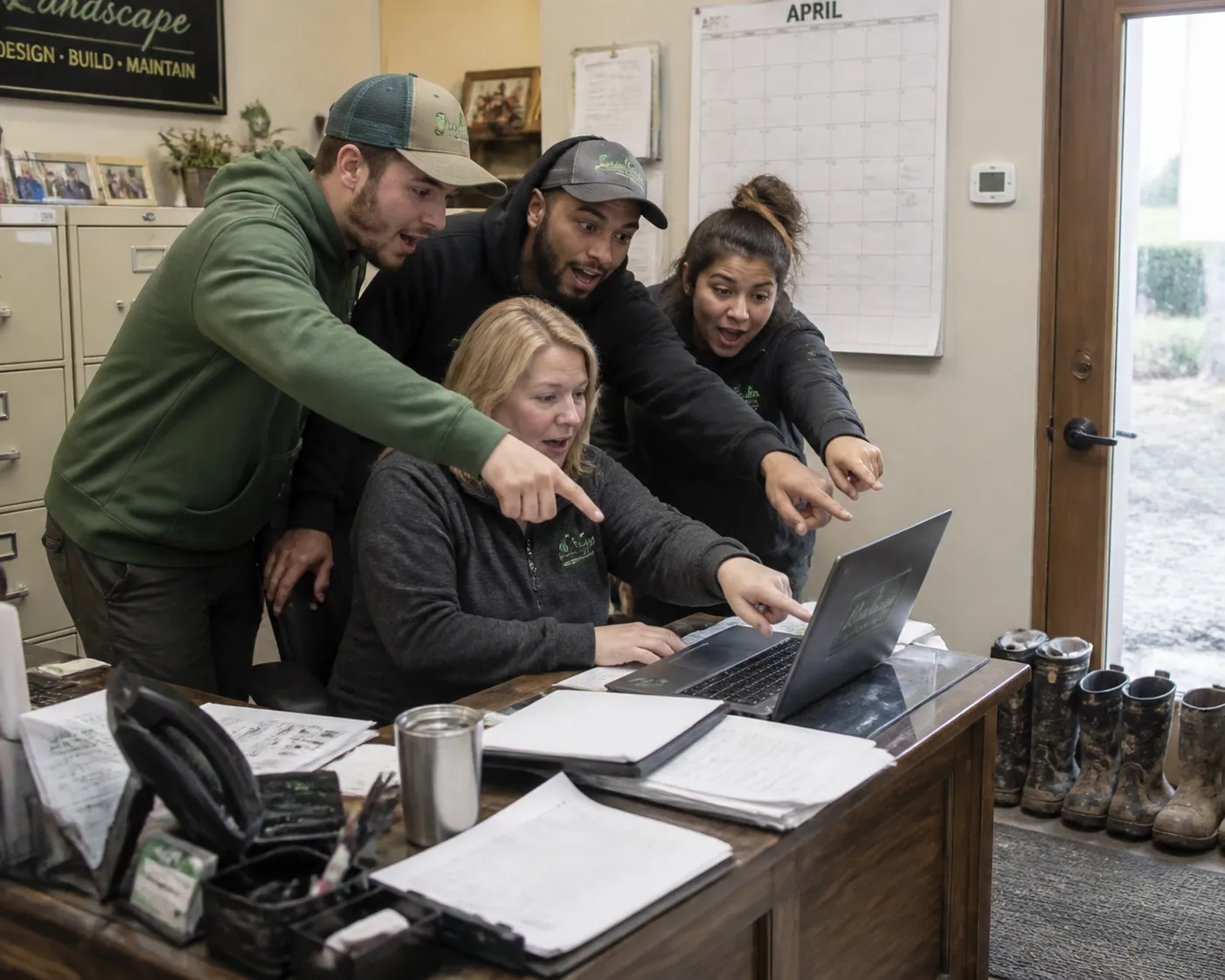
There's a whole category of tools built for exactly this: visual feedback platforms that let you click directly on a screenshot of your website and leave a pinned comment. No more "the thing at the top of the about page."
A few worth knowing about:
- PROOF (proofapp.io) : Built for freelance designers and small agencies. Your designer sends you a link, and you click anywhere on the website screenshot to leave a comment. No login required, captures desktop and mobile automatically.
- Markup.io : Similar concept, more established, geared toward bigger teams.
- BugHerd : Originally built for QA, also used for design feedback.
If your designer doesn't already use one of these, ask them to. Most will be relieved you suggested it. Using a tool like PROOF turns a three-day email chain into a thirty-second task. You click the spot that looks wrong, type "Make this blue," and hit send. The designer gets the exact coordinates and a screenshot of what you’re seeing. No guessing, no "admin fees," no budget bloat.
The Content Bottleneck
Most small business owners underestimate how long it takes to write content. They assume they can "knock it out over the weekend."
Spoiler: They can't.
The project stalls because the designer is waiting for the "About Us" page. While the project is stalled, the designer has to move on to other clients to keep their lights on. When you finally send the text three weeks later, the designer has to "re-learn" your project to get back into the flow.
That "re-learning" time is often billed back to you, or worse, the delay pushes your launch into a higher-priced season.
How to save it: Don't start the design until the content is 80% finished. It sounds backward, but designing a site around "Lorem Ipsum" filler text is a recipe for expensive layout changes later.
Missing Line Items and "Hidden" Fees
Sometimes the budget overrun isn't your fault: it’s just bad math from the start. Many estimates forget to include:
- Stock Photo Licenses: Those "perfect" images aren't always free.
- Plugin Subscriptions: That fancy booking calendar might cost $200/year.
- Project Management: Designers spend hours in meetings and on calls. If they don't bill for it upfront, they’ll find a way to bill for it at the end.
A good designer will include a "Contingency Fund" or a "Project Management Fee" of about 20%. If you don't see that on the quote, be wary. It means they haven't planned for the reality of how projects actually go.
Choosing the Right Partner
At the end of the day, the best way to save a project is to hire someone who cares about your ROI, not just how pretty the site looks. A designer who asks, "How will this page make you money?" is better than one who asks, "What colors do you like?"
Look for someone who has a clear process. Ask them:
- "How do we handle revisions?"
- "What happens if I want to add a feature mid-project?"
- "What tools do you use for feedback?"
If their answer to that last one is "just shoot me an email," run. You’re looking at a future filled with 50-reply threads and a bank account that’s a lot lighter than it needs to be.

The Bottom Line
Website projects don't have to be a money pit. The "chaos" people complain about is usually just a lack of communication and organization. By locking in your scope, centralizing your feedback with something like PROOF, and having your content ready to go, you can actually launch a site on time.
It takes a little more work upfront, but it’s a lot cheaper than paying for a designer’s confusion. Keep it simple, keep it visual, and keep the "committee" out of the inbox.
Need a web designer who uses tools like PROOF to keep your project on track? Get in touch with CFGroove.