

The web design choices that bring in leads are usually not flashy. They are clear, fast, mobile-friendly, and built around one simple question: Can a potential customer quickly understand what you do and contact you?
For service-based businesses, your website should explain the problem you solve, show why people should trust you, and make the next step obvious. Then your SEO, Google Business Profile, social media, and AI tools should all point people toward that same next step.
Here are seven practical ways to make that happen.
1. Say exactly what you do above the fold
When someone lands on your website, they should not have to solve a mystery.
Your homepage should quickly answer:
- What service do you provide?
- Who do you serve?
- Where do you work?
- What should the visitor do next?
A vague headline like “Quality You Can Trust” sounds pleasant but could belong to a plumber, therapist, landscaper, or accountant. It does not tell anyone much.
Try something clearer:
Reliable drain cleaning for homeowners in Denton, Texas.
Then add a supporting sentence:
Get fast, honest service without waiting three weeks for a callback.
Your main button should also be specific. Use phrases such as:
- Request a Free Estimate
- Book an Appointment
- Call for Same-Day Service
- Schedule a Consultation
“Learn More” is not terrible. It is just rarely the most exciting thing a customer can do.
2. Give every page one clear job
A service website should guide visitors instead of making them wander around clicking random buttons.
Each important page needs one primary goal:
- A service page should encourage a quote request or phone call.
- An About page should build trust and lead visitors toward contacting you.
- A blog post should point readers to a related service.
- A Contact page should make reaching you easy.
Repeat your primary call to action throughout the page, especially after explaining your services, showing reviews, or answering common questions.
Keep contact forms short. In most cases, you need:
- Name
- Phone or email
- Service needed
- Optional message
You probably do not need their mailing address, favorite color, and the name of their childhood pet.
Also explain what happens after someone submits the form. For example:
We’ll review your request and respond within one business day.
That small sentence removes uncertainty and makes people more comfortable reaching out.
3. Design for phones first
A website can look excellent on a large monitor and still be frustrating on a phone. Unfortunately, your customers are not required to visit from a large monitor.
Service businesses often get calls and inquiries from people searching while they are:
- Sitting in a driveway
- Standing in a damaged kitchen
- Leaving work
- Trying to find help before the problem gets worse
Your mobile website should have:
- Large, easy-to-tap buttons
- A phone number that calls with one tap
- Simple navigation
- Short paragraphs
- Fast-loading images
- A contact button visible without endless scrolling
Test the actual lead process on a real phone. Tap the phone number. Submit the form. Try booking an appointment. If anything feels annoying, customers will notice too.
A fast website also helps search performance and keeps visitors from leaving before the page loads. Nobody wants to watch a spinning icon while their basement fills with water.
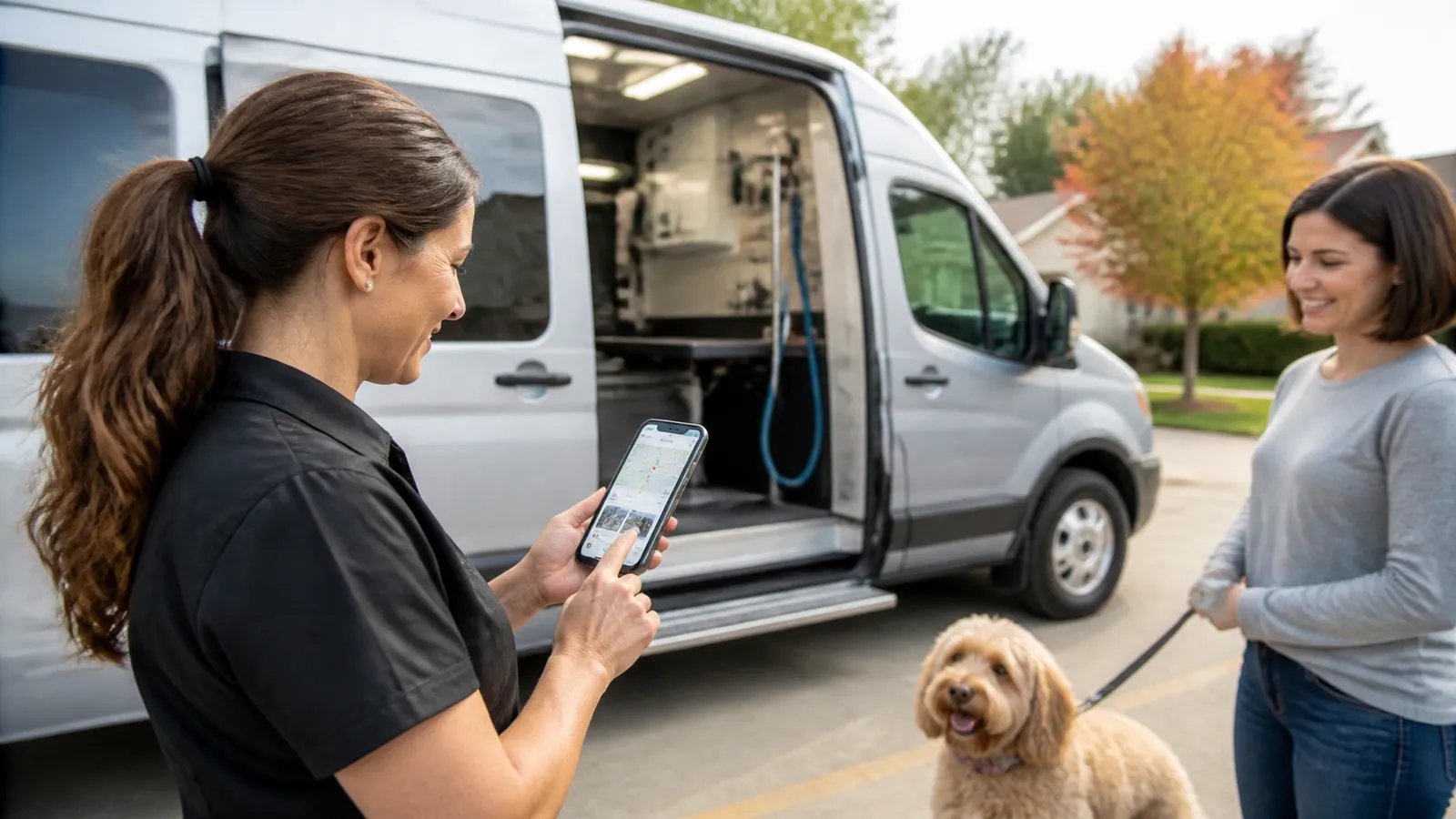
4. Build your website around local SEO
If you serve a specific city, county, or service area, your website should make that clear.
Create dedicated pages for the services you actually provide and the locations you actually serve. A local service website might include:
- Home
- About
- Contact
- One page for each major service
- Service-area pages
- Reviews or testimonials
- Helpful blog content
For example, a roofing company might create separate pages for roof repair, storm damage, roof replacement, and commercial roofing. Each page should explain the service in plain English, include relevant photos, answer common questions, and provide an obvious way to request help.
Use the city or service area naturally in:
- Page titles
- Headings
- Service descriptions
- Image alt text
- Contact information
- Helpful FAQs
Avoid creating dozens of nearly identical city pages with only the city name changed. Google has seen that trick before. So have your customers.
For more technical on-page improvements, CFGroove offers on-page SEO services, including site audits and before-and-after reporting.
5. Make your Google Business Profile part of the website plan
Your website is only one part of your online presence. For local service businesses, your Google Business Profile may be the first thing a potential customer sees.
Keep it updated with:
- Accurate business hours
- Phone number and website
- Service categories
- Service areas
- Recent photos
- A clear business description
- Booking or quote links
- Responses to customer reviews
Your business name, address, and phone number should match across your website, Google profile, Facebook page, Yelp listing, and other directories. Small inconsistencies can create confusion for both customers and search engines.
Reviews deserve special attention. Ask satisfied customers for honest feedback, then respond to every review. A short, genuine reply is better than copying and pasting the same “Thank you for your feedback!” twelve times.
Add strong reviews to your website near your calls to action. If someone is deciding between calling you and calling a competitor, proof from past customers can help tip the decision.
CFGroove also provides Google Business Profile optimization and management for businesses that would rather not wrestle with another online account.
6. Use social media to send people somewhere useful
Social media can help people discover your business, but it should not be the only place your information lives.
Platforms change. Accounts get locked. Algorithms develop mysterious opinions about your posts. Your website is the place you control.
Use social media to send people to:
- A service page
- A before-and-after project
- A seasonal offer
- A helpful blog post
- A booking page
- A simple quote form
For a carpenter, that might mean posting a finished kitchen project and linking to the cabinetry service page. A therapist might share a helpful article about preparing for a first appointment. A commercial cleaner could post a short walkthrough and link to a facility cleaning page.
Your content does not need to be complicated. Useful beats impressive. A quick job-site video, customer FAQ, staff introduction, or project photo can do more than a perfectly designed post that says nothing.

7. Use AI to save time, not replace your judgment
AI tools can help small business owners keep up with content, customer questions, and follow-up. They are especially useful when you are also answering phones, doing estimates, managing jobs, and trying to remember where you left the tape measure.
Practical uses include:
- Drafting blog posts and service-page ideas
- Creating social media captions
- Summarizing customer questions
- Writing first-draft email replies
- Generating FAQ topics
- Sorting leads by service type
- Sending appointment reminders
- Building simple chatbot responses
- Reviewing website analytics for patterns
The important part is human review. AI does not know whether you actually offer emergency service on Sundays. It may confidently invent one. Check the facts, rewrite the awkward parts, and make sure the words sound like your business.
A well-built AI tool can also help answer common questions and route serious inquiries to a contact form or calendar. CFGroove’s small business AI tools can support lead filtering, scheduling, follow-ups, and customer responses.
Tools that help with website feedback
If you are redesigning your website, clear feedback can keep the project moving.
- PROOF (proofapp.io) : Built for freelance designers and small agencies. Your designer sends you a link, and you click anywhere on the website screenshot to leave a comment. No login required, captures desktop and mobile automatically.
- Markup.io : Lets teams leave comments directly on webpages and digital content.
- BugHerd : Helps organize website feedback and technical issues into trackable tasks.
These tools are useful when “make the logo feel more… logo-y” is not quite specific enough. Pointing to the exact section, button, or image makes revisions much easier.
The best website is the one that helps people take action
Good web design is not about adding every animation, trend, or feature available. It is about making the right information easy to find and the next step easy to take.
That means:
- Clear messaging
- One primary call to action
- A fast mobile experience
- Strong local SEO
- An updated Google Business Profile
- Social content that leads back to your website
- AI tools that reduce busywork
CFGroove takes a custom approach instead of dropping your business into a stock template. As a one-man operation, I work directly with clients, respond the same day, and handle everything from design and development to SEO, advertising, social media, AI tools, and ongoing maintenance.
The goal is simple: a stress-free website that helps bring in more leads. CFGroove even guarantees more leads for clients who are ready to improve their online presence.
Ready for a website that does more than sit there looking expensive? Talk with CFGroove about a custom, lead-focused website for your service business.